Recommended Photo Printers 2024: Print Lab-Quality Photos at Home
Recommended photo printers for home 2024: Compare popular photo printers for printing pictures, including all-in-ones, wide-format options, and portable photo printers.
Introduction to Home Photo Printing
Printing photos at home has never been more accessible or affordable. Today's photo printers offer exceptional print quality that rivals professional lab output, allowing you to produce high quality prints of cherished memories whenever you want. Whether you're preserving family moments, creating gifts, or printing artistic work, a dedicated photo printer transforms your digital images into tangible keepsakes.
Modern photo inkjet printer technology has advanced dramatically, with specialized inks that deliver vibrant colors and exceptional longevity. The best photo printers combine excellent output quality with convenient features like Wi-Fi connectivity, mobile printing, and versatile paper tray options for different media types.
This guide explores what makes an excellent photo printer, compares different categories, and provides tips for achieving the best results from your prints.
What Makes a Great Photo Printer?
A quality photo home printer produces lab-quality prints with accurate colors, sharp details, and fade-resistant output. Understanding the key specifications helps you choose a printer that meets your quality expectations.
Resolution and Detail
Print resolution, measured in dots per inch (DPI), determines detail capability. Photo printers typically offer 4800x1200 DPI or higher for fine detail reproduction. Higher resolutions enable smooth color gradients and sharp edges essential for quality photographs.
Ink Technology
Photo inkjet printer models use specialized ink cartridges formulated for photographic output. Some printers include dedicated photo inks beyond standard CMYK colors, delivering enhanced color accuracy and smoother gradations. Pigment-based inks offer superior longevity, while dye-based inks may provide more vibrant colors.
Color Accuracy
The ability to produce high quality prints with accurate colors requires careful color management. Quality photo printers maintain consistent color output that matches what you see on calibrated displays. ICC profile support enables precise color matching for demanding applications.
Borderless Printing
Borderless printing capability allows edge-to-edge output without white margins. This feature is essential for traditional photo prints that fill the entire paper surface. Most photo-focused printers offer borderless printing on standard photo sizes.
Featured Photo Printers for Home Use
Different photo printing needs call for different solutions. These categories help you identify the right printer for your situation:
All-in-One Photo Printers
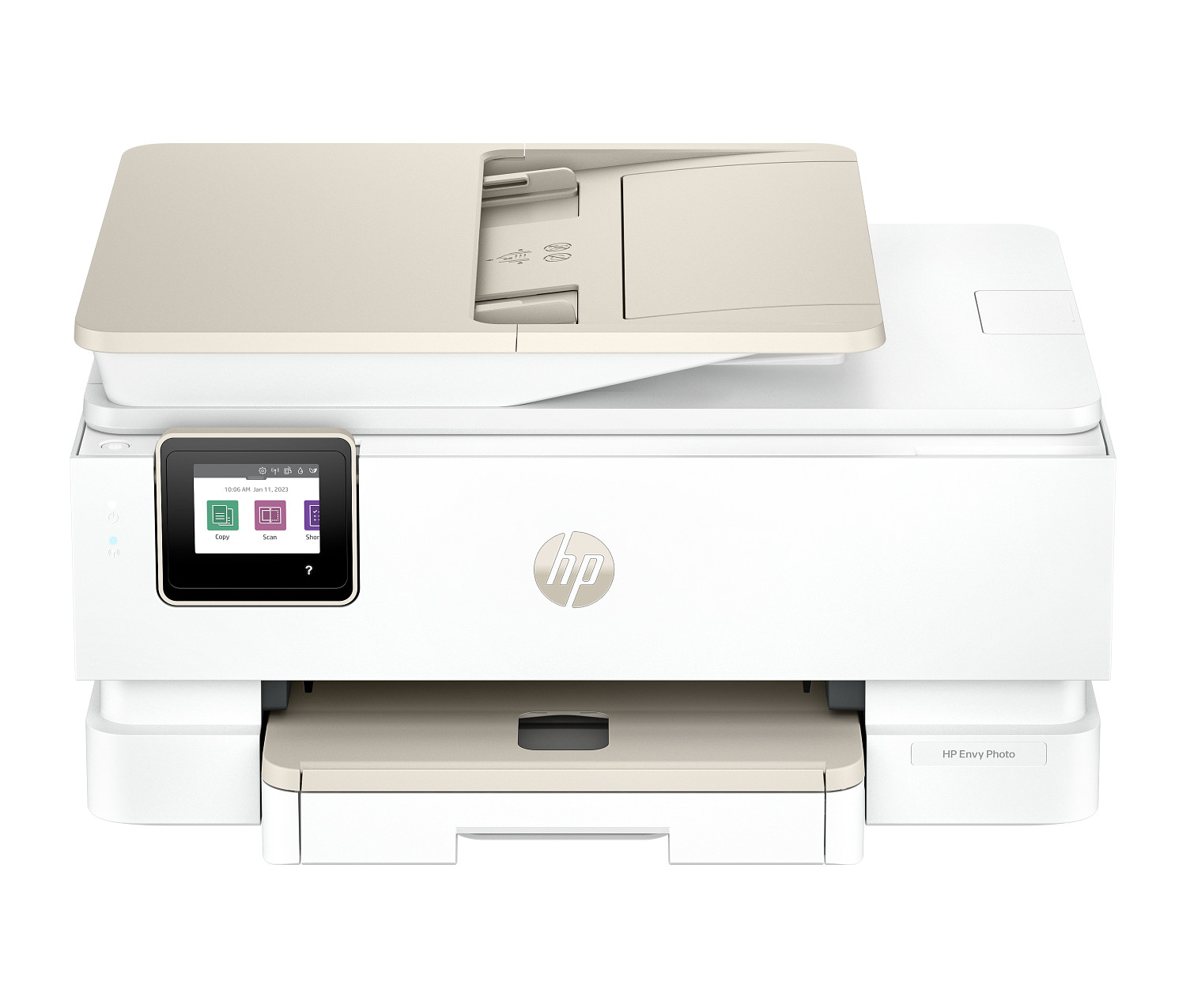
All-in-one multifunction printer models designed for photo output combine excellent photo quality with everyday document printing capability. These versatile printers serve families and home office users who need both photo and document printing from a single device.
Features include Wi-Fi connectivity, mobile printing, scanning, and copying alongside quality photo output. Dedicated photo trays accommodate photo paper without swapping media in the main paper tray. These printers balance photo performance with practical versatility.
Dedicated Photo Printers
Dedicated photo printers focus exclusively on photographic output, often using extended ink systems with six or more colors for superior color accuracy. These printers deliver the highest print quality for demanding photographers who prioritize output excellence over versatility.
Wide-format models can print larger sizes including 13" wide and beyond. Professional-grade inks ensure prints last for decades without fading. While these printers cost more and can't handle document printing, their photo output quality is unmatched.
Portable Photo Printers
Compact, portable photo printers enable instant printing from smartphones anywhere. These devices typically produce 2x3" or 4x6" prints, perfect for sharing memories at events or creating instant gifts. Bluetooth and app connectivity make printing simple and fun.
While print quality doesn't match full-size photo printers, portable models offer unique convenience. Zero-ink and dye-sublimation technologies produce smudge-proof, water-resistant prints without traditional ink cartridges.
Photo Printing Tips for Quality Results
Achieving optimal results requires attention to materials, settings, and technique:
Use Genuine Photo Paper
Photo papers are optimized for specific printer inks and deliver the best color accuracy and longevity. Manufacturer papers ensure compatibility and maximize your printer's capability to produce high quality output. Generic papers may work but often sacrifice quality or archival stability.
Match Paper Settings
Always select the correct paper type in print settings. This ensures proper ink deposition and drying characteristics. Using glossy paper settings on matte paper (or vice versa) produces suboptimal results regardless of image quality.
Calibrate Your Display
What you see on screen should match your print output. Display calibration tools help ensure colors are accurate before printing. Without calibration, prints may look different than expected—typically darker or with shifted colors.
Print at Highest Quality
Select high-quality or photo mode for photo prints. Draft and normal modes sacrifice detail and color accuracy for speed—inappropriate for photos you want to display or share. Higher quality modes take longer but deliver results worth waiting for.
Handle Prints Carefully
Allow fresh prints adequate drying time before handling. Inkjet printer output can smear if touched too soon, especially on glossy papers. Let prints dry completely before stacking or framing.
Photo Paper Types Explained
Paper selection significantly impacts final output appearance:
Glossy Paper
Shiny finish with vibrant colors and maximum contrast. Ideal for traditional photo prints. Shows fingerprints and reflects light, which may be undesirable in some display situations.
Matte Paper
Non-reflective surface with subtle texture. Fingerprint resistant and viewing-angle independent. Colors appear slightly less saturated than glossy. Preferred for artistic and fine art applications.
Semi-Gloss/Satin
Balance between glossy and matte characteristics. Good color vibrancy with reduced glare and fingerprinting. Versatile choice suitable for most photo printing needs.
Canvas and Fine Art Papers
Textured surfaces for artistic reproduction and gallery-quality prints. These premium papers suit fine art printing and professional display. Higher cost reflects specialized manufacturing and archival qualities.
Managing Photo Printing Costs
Color printing photos uses significant ink, making cost management important:
- High-yield ink cartridges - Lower cost per page than standard ink cartridges
- Ink subscription services - Predictable costs for regular photo printing
- Print selectively - Focus on your best images rather than printing everything
- Standard sizes - Common sizes use paper efficiently and cost less than custom sizes
For high volume photo printing, consider ink tank printers that deliver extremely low cost per page for color printing.