10 Ways to Reduce Printing Costs and Save Money on Ink
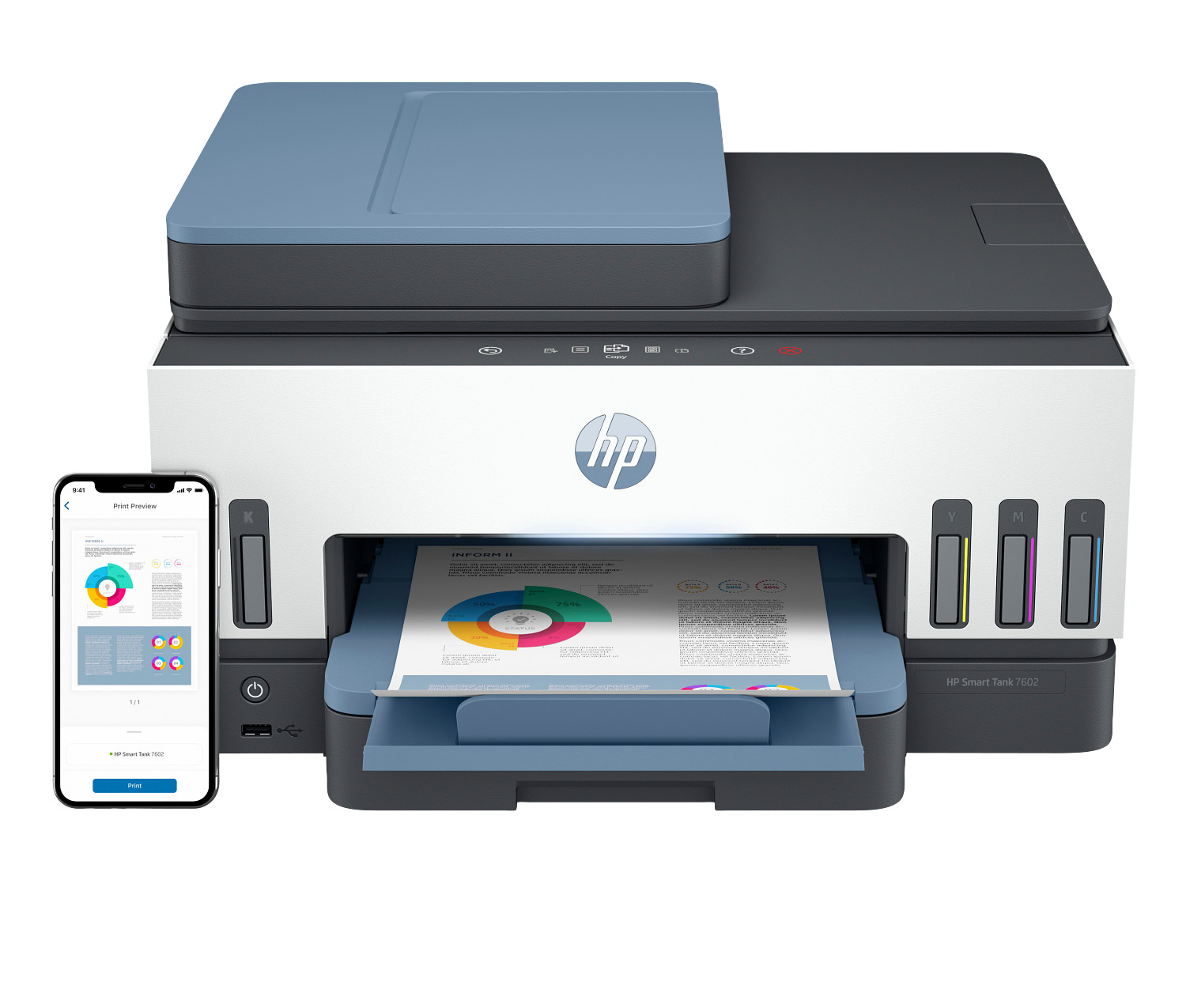
Save money on printer ink and toner with these cost-saving tips. Learn how to reduce printing costs by up to 50% with ink subscriptions and smart printing habits.
Introduction to Printing Cost Management
Managing printing costs is essential for any home office or small business looking to maximize their budget. Whether you're using an inkjet printer or a laser printer, the ongoing expenses of ink cartridges and ink toner can add up quickly if not managed properly. Understanding how to optimize your printing habits can save hundreds of dollars annually while maintaining excellent print quality.
The cost of printing goes beyond just the initial purchase of your home printer or office printer. Consumables like ink cartridges, toner, and paper represent the majority of long-term printing expenses. By implementing smart strategies and understanding how modern printers offer various cost-saving features, you can dramatically reduce your operational costs without sacrificing the print quality your work demands.
This comprehensive guide covers ten proven strategies for reducing printing costs in your home office. From leveraging technology features built into modern inkjet and laser printers to adopting sustainable printing habits, these tips will help you get more value from every page you print. Whether you print dozens of pages per month or handle high volume printing needs, these strategies apply to all printing scenarios.
1. Use Draft Mode for Everyday Documents
Reduce ink consumption by switching to draft mode or economy mode for internal documents. This simple printer setting uses significantly less ink per page while still producing readable text, helping you save money on ink cartridges. Most modern home printer models include this feature, accessible through print preferences or the printer's control panel.
Draft mode works by reducing the amount of ink deposited on the paper and sometimes increasing print speeds as well. While the print quality is noticeably lighter than normal mode, it's perfectly adequate for internal memos, rough drafts, and reference documents. Many professionals use draft mode for preliminary reviews, switching to normal or high-quality mode only for final client-facing documents.
The savings from consistent draft mode usage can be substantial. Depending on your inkjet printer model, you might reduce ink consumption by 50% or more on draft documents. Over hundreds of pages per month, this translates to significant cost reductions on ink cartridges. Configure your office printer to default to draft mode, and manually select higher quality only when necessary.
For laser printer users, the equivalent setting is often called "toner save" or "EconoMode." This reduces ink toner usage by lightening print output, extending cartridge life considerably. Both inkjet and laser printers benefit from these economy settings, making them universal cost-saving tools for any home office.
2. Subscribe to Ink Delivery Programs for Automatic Savings
Ink subscription services can save up to 50% on ink costs compared to purchasing ink cartridges at retail prices. These programs monitor your ink levels and ship replacement cartridges before you run out, ensuring you never experience the frustration of running dry mid-project. Plans typically start at just a few dollars per month based on your pages per month usage.
Subscription programs work particularly well for home office users with predictable printing needs. By analyzing your typical pages per month output, these services can accurately predict when you'll need new supplies. This eliminates emergency trips to purchase overpriced ink cartridges and ensures consistent supply availability for your home printer.
Many subscription services include color printing in their plans at no extra cost per page. This is particularly valuable for inkjet printer users who occasionally print photos or color documents. The cost-per-page model means printing a color photo costs the same as printing a black text page, encouraging full use of your printer's color printing capabilities.
When evaluating subscription programs, consider the rollover policies for unused pages and the flexibility to change plans as your needs evolve. The best programs allow you to adjust your pages per month allocation without penalty, accommodating the variable printing demands of most home office environments.
3. Print Only What You Need - Go Paperless
Before printing, ask if you really need a physical copy. Use your printer's scanning app to scan documents and store them digitally. Going paperless reduces both paper and ink costs while helping the environment. Modern multifunction printer capabilities make it easy to digitize documents and maintain searchable electronic archives.
The shift to digital workflows has accelerated dramatically, with many businesses adopting electronic signatures, cloud storage, and digital document management. Your home office can embrace these practices by using your office printer's scan-to-email or scan-to-cloud features. Most contemporary printers offer direct integration with popular cloud storage services via Wi-Fi connectivity.
Digital documents offer advantages beyond cost savings. They're searchable, easily shared, and don't require physical storage space. For reference materials, consider viewing documents on screen rather than printing. When you must print, limit output to essential pages rather than entire documents. These habits significantly reduce ink cartridges and paper consumption.
Implement a "think before you print" policy in your home office. Question each print job: Is this necessary? Could I email this instead? Would a digital copy serve the same purpose? This mindful approach to printing naturally reduces waste and extends the life of your ink cartridges or ink toner.
4. Regular Printer Maintenance Saves Money
Proper printer maintenance extends your device's lifespan and prevents costly repairs. Run cleaning cycles periodically, use quality paper to prevent jams, and keep firmware updated for optimal performance. Both inkjet and laser printers benefit from regular maintenance attention, though the specific requirements differ between technologies.
For inkjet printer models, printhead maintenance is crucial. Dried ink can clog nozzles, resulting in poor print quality and wasted ink cartridges. Run cleaning cycles as recommended by your printer manufacturer, but avoid excessive cleaning as this consumes ink. If you print infrequently, print at least one page weekly to keep ink flowing and prevent clogs.
Laser printer maintenance focuses on the drum unit and paper path. Remove paper dust and debris regularly, and replace the drum according to manufacturer recommendations. A worn drum produces poor print quality and can damage ink toner cartridges. Many laser printer models include self-cleaning features that automatically maintain optimal performance.
Keep your home printer firmware updated to ensure optimal performance and security features. Manufacturers regularly release updates that improve print speeds, print quality, and reliability. Most modern printers offer automatic update features accessible through their Wi-Fi connection, making maintenance effortless.
5. Consider Tank Printers for High-Volume Printing
If you print frequently, ink tank printers offer the lowest cost per page available. These refillable tank systems include up to 2 years of ink in the box, dramatically reducing your printing costs compared to traditional ink cartridges. For high volume printing needs exceeding 200-300 pages per month, tank printers deliver exceptional value.
Tank inkjet printer technology replaces traditional cartridges with large refillable reservoirs. When ink runs low, you simply refill from bottles rather than replacing entire cartridge units. This approach eliminates the premium pricing associated with ink cartridges and can reduce cost-per-page by up to 90% compared to traditional inkjet printers.
Modern tank printers have overcome early concerns about print quality and reliability. Today's models produce high quality output comparable to premium cartridge-based printers while maintaining the dramatic cost advantages. Many tank printers offer color printing, automatic duplex print, and wireless Wi-Fi connectivity, matching the features of more expensive alternatives.
For home office users with high volume printing needs, tank printers represent the most economical long-term investment. The higher initial purchase price is quickly offset by dramatically lower ongoing costs. If you consistently print 500+ pages per month, a tank printer can pay for itself within the first year through ink cartridges savings alone.
6. Use Compatible Paper Sizes and Types
Printing on the correct paper size prevents waste and optimizes ink coverage. Use letter size (8.5x11) for documents and photo paper only when printing photographs to maximize your ink efficiency. Loading the appropriate paper type in your paper tray ensures optimal print quality and prevents unnecessary reprints.
Match your paper selection to the document type. Standard multipurpose paper works well for everyday documents, while premium paper should be reserved for important presentations and client materials. Using expensive paper for internal documents wastes money without improving functionality. Most office printer models include multiple paper tray options to accommodate different media types.
Paper quality affects both print quality and printer maintenance. Low-quality paper creates more dust and debris, potentially causing jams and accelerating wear on your home printer. Invest in decent-quality paper that feeds reliably and accepts ink or toner evenly. The small premium for better paper often saves money through reduced jams and reprints.
Consider the paper weight appropriate for your output. Standard 20lb paper suits most documents, while heavier weights (24-32lb) are better for double-sided duplex print jobs where ink show-through could be an issue. Matching paper to purpose ensures optimal results from both inkjet and laser printers.
7. Preview Before Printing
Always use print preview to check your document layout. This prevents wasted pages from formatting errors and helps you identify unnecessary pages that can be removed. Taking a few seconds to preview can save significant ink cartridges and paper over time.
Print preview reveals common issues like unexpected page breaks, headers cut off, or blank pages at the end of documents. Catching these problems before printing prevents waste and frustration. Modern operating systems and applications make print preview easily accessible, typically through a standard keyboard shortcut or print dialog option.
Use the preview to identify pages that don't need printing. Many documents include cover pages, table of contents, or appendices that aren't necessary for your purposes. Selectively printing only needed pages can reduce output by 30-50% on some documents. Your home printer and ink cartridges will last significantly longer with this selective approach.
Print preview also allows you to optimize layout. Many printers offer options to print multiple pages per sheet, reducing paper consumption for reference documents. This feature, combined with duplex print, can reduce paper usage by up to 75% on lengthy documents while keeping content readable.
8. Buy Ink in Bulk or Multi-Packs
Purchase ink cartridge multi-packs for significant per-cartridge savings. XL or high-yield cartridges also offer better value for regular printers. Buying in bulk reduces the cost-per-page of your inkjet printer or laser printer while ensuring you always have supplies on hand.
Multi-pack ink cartridges typically offer 15-30% savings compared to purchasing individual cartridges. For home office users with consistent printing needs, buying a year's supply at once maximizes these savings. Just ensure the cartridges will be used before their expiration date to avoid waste.
High-yield or XL ink cartridges print significantly more pages than standard versions, often at less than twice the price. For high volume printers, these extended-capacity options provide the best cost-per-page economics. Similarly, ink toner for laser printer models comes in standard and high-yield versions with proportional savings.
Watch for sales and promotions on ink cartridges and toner. Major retailers frequently discount printer supplies, and subscribing to manufacturer newsletters can alert you to special offers. Stocking up during sales periods further reduces your home office printing costs.
9. Optimize Print Settings for Each Job
Different documents require different settings for optimal results and efficiency. Configure your office printer to use appropriate quality levels, color printing options, and paper settings for each type of output. This optimization ensures you never waste resources on unnecessary quality.
Create saved print profiles for common document types. Most printers offer the ability to save custom settings that can be quickly selected for different jobs. A "draft" profile for internal documents, a "presentation" profile for client materials, and a "photo" profile for images allows quick selection without manually adjusting settings each time.
Consider whether color printing is necessary for each document. Many documents print just as effectively in black and white, preserving expensive color ink cartridges for when they're truly needed. Configure default settings to black and white, switching to color only for specific jobs requiring it.
For laser printer users, adjusting toner density settings can extend ink toner life significantly. Most documents print acceptably at reduced density levels, preserving toner for high volume output. Experiment with settings to find the optimal balance between print quality and conservation for your typical documents.
10. Monitor and Track Your Printing
Understanding your actual printing habits enables targeted cost reduction. Many printers offer built-in tracking features that report pages per month output, color printing versus black, and ink cartridges or toner usage. Reviewing these metrics regularly identifies opportunities for improvement.
Set monthly printing budgets for your home office. Knowing your typical pages per month helps identify anomalies and encourages mindful printing habits. If usage suddenly spikes, investigate the cause and determine whether all that output was truly necessary.
Track cost-per-page by monitoring ink cartridges replacement frequency against page counts. This metric helps you evaluate whether different cartridge options, subscription services, or even different home printer models might reduce expenses. Accurate data enables informed decisions about your printing infrastructure.
Consider the environmental impact alongside financial costs. Reducing printing preserves both your budget and natural resources. The strategies in this guide serve both goals, making them valuable practices for any environmentally conscious home office. Sustainable printing habits save money while reducing your ecological footprint.
Conclusion: Implementing a Cost-Reduction Strategy
Reducing printing costs requires a combination of smart technology choices and mindful habits. Whether you're using an inkjet printer or laser printer, the strategies outlined in this guide can significantly reduce your ink cartridges and ink toner expenses while maintaining the print quality your work demands.
Start by implementing the easiest changes: use draft mode for internal documents, preview before printing, and think carefully about whether each print job is necessary. These habits cost nothing to adopt but deliver immediate savings. Then consider larger investments like ink subscription services or tank printers if your pages per month justify the commitment.
The modern home office can achieve professional print quality at reasonable costs. By understanding how your office printer works and leveraging available features like automatic duplex print and Wi-Fi connectivity, you can optimize both convenience and economy. Smart printing is an ongoing practice that pays dividends throughout your printer's lifespan.