Cookie Consent

Our website relies on small data files placed in your browser to keep core pages working, measure traffic, and tailor on-site messaging. Some files are required and some are optional. Use the bottom-of-page banner to accept the optional ones, decline them, or revisit your choice later. Full disclosures live in the Cookie Policy and the Privacy Policy, which together explain how the consent management platform records each preference, how long it is stored, which vendors receive a signal, and how shoppers in the European Union, the United Kingdom, and California can exercise the rights granted by their local data-protection rules.

We value your privacy

We use cookies to enhance your browsing experience and analyze site traffic. With your consent, we also load third-party advertising and conversion-tracking tags to measure ad performance and deliver relevant ads. Read our Privacy Policy and Cookie Policy for full details on advertising and analytics tracking.

Skip to main content
Print Store 360 - Printers, Scanners & Supplies
0 0
Sign In Sign Up
Home All-in-One Laser Printers Tank Printers Enterprise Scanners
  • Photo Printers
  • Inkjet Printers
  • Portable
  • Enterprise Scanners
  • Document Scanners
  • About Us
  • Blog
  • Contact
  • Privacy Policy
  • Terms of Service
  • Shipping Policy
  • Return Policy
  • Warranty Information
  • Accessibility
  • Cookie Policy
Home Blog How to Choose the Right Printer for Your Home Office in 2024

Article Not Found

The article you're looking for doesn't exist.

Back to Blog
Back to Blog
Guides

How to Choose the Right Printer for Your Home Office in 2024
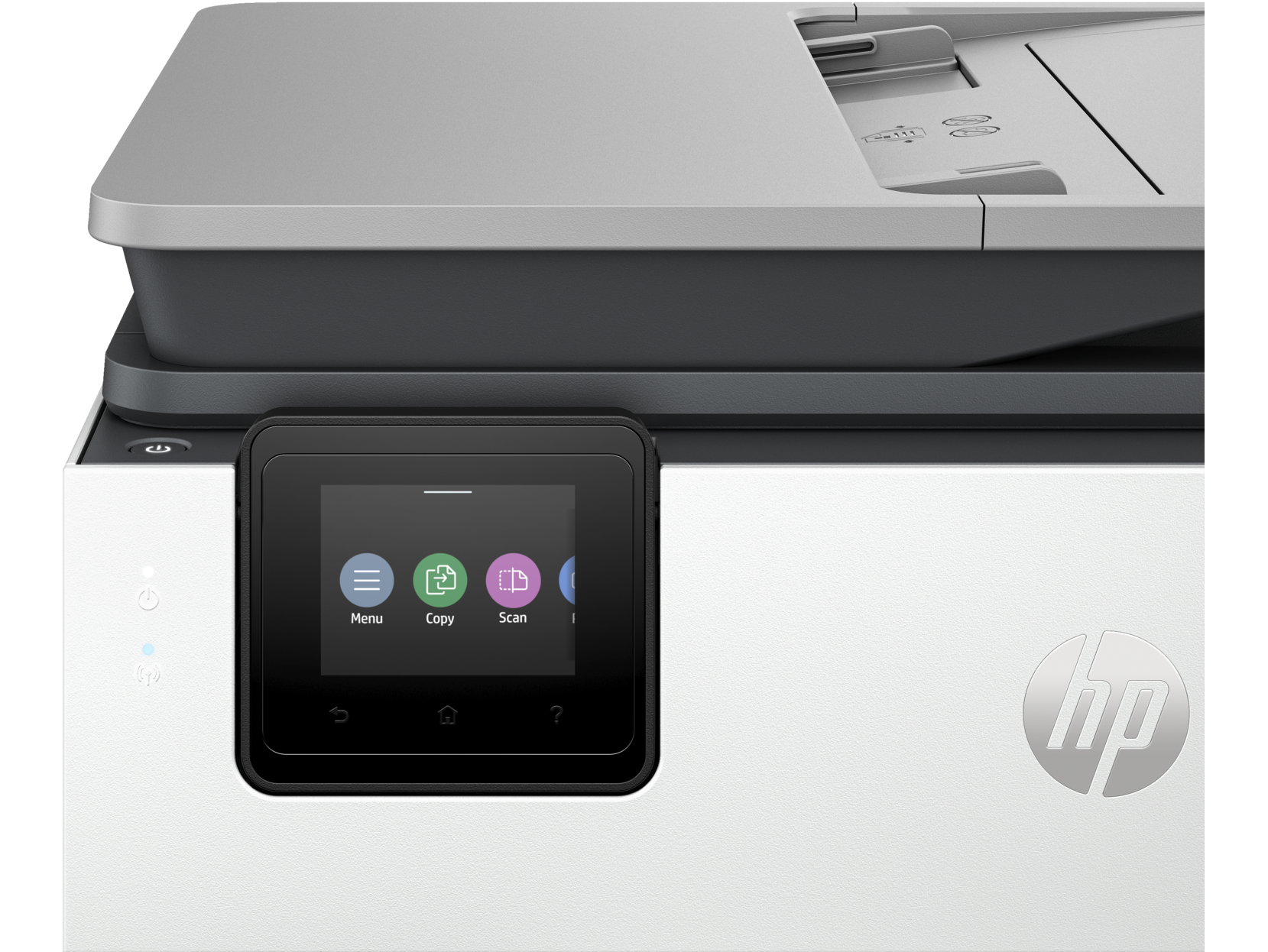
How to Choose the Right Printer for Your Home Office in 2024

Home office printer guide 2024: Compare inkjet vs laser, wireless all-in-one printers, and find the ideal printer for working from home.

Understanding Your Home Office Printing Needs

Choosing the ideal home printer for your home office starts with understanding your specific requirements. Whether you need a wireless printer for remote work, a color printer for presentations, or a multifunction printer that can scan and copy, the right choice depends on your daily printing volume and document types. The modern home office demands equipment that can handle everything from simple text documents to professional presentations with exceptional print quality.

When setting up your home office, the printer you choose will significantly impact your productivity and operational costs. Today's printers offer an incredible range of features that were once reserved for expensive commercial equipment. From wireless connectivity via Wi-Fi to automatic duplex print capabilities, the options available to home office workers have never been better. Understanding these features and how they align with your workflow is essential for making an informed decision.

The transition to remote work has accelerated the need for reliable printing solutions at home. Many professionals who previously relied on their company's printing infrastructure now need to replicate that functionality in their personal workspace. This guide will walk you through everything you need to know about selecting the perfect office printer for your home office environment, covering both inkjet and laser printers to help you make the best choice for your specific needs.

Inkjet vs Laser Printers: Which Technology Suits You?

The inkjet printer vs laser printer debate is fundamental to choosing the right printing solution for your home office. Each technology has distinct advantages that make it better suited for different use cases. Understanding these differences will help you invest wisely in equipment that meets your long-term needs.

Inkjet printers use liquid ink sprayed through microscopic nozzles onto paper. This technology excels at producing vibrant color printing with smooth gradients and photo-quality output. Modern inkjet printers have evolved significantly, with many models now offering impressive print speeds that rival their laser counterparts. These printers are particularly well-suited for home offices that require versatile output, from text documents to marketing materials and photographs.

The inkjet printer technology works by precisely depositing tiny droplets of ink onto paper. This process allows for exceptional color accuracy and the ability to produce high quality photographs directly from your home office. Many inkjet and laser printers now feature advanced print heads that can deliver professional-grade output at speeds measured in pages per minute that satisfy most home office requirements.

Laser printers use toner powder and heat fusion to create images on paper. This technology delivers faster print speeds, particularly for text documents, and offers a lower cost per page for high volume printing. Color laser printers have become increasingly affordable, making them accessible to home office users who primarily print text but occasionally need color output. The laser printer technology is especially beneficial for those who print sporadically, as toner doesn't dry out like ink cartridges.

When comparing inkjet and laser printers, consider your typical monthly print volume. If you're printing fewer than 200 pages per month, an inkjet printer may offer the best balance of quality and cost. For high volume printing exceeding 500 pages per month, a laser printer typically provides better economics. The ink toner costs differ significantly between technologies, with laser toner generally offering more prints per cartridge but at a higher upfront cost.

Key Features for Home Office Printers

Modern home printer solutions come packed with features designed to enhance productivity in your home office. Understanding which features matter most for your workflow will help you choose a printer that maximizes efficiency while minimizing frustration.

Wireless Connectivity and Wi-Fi Printing

Wi-Fi connectivity has become essential for modern home office setups. The ability to print wirelessly from any device in your home eliminates the need for direct cable connections and allows for flexible office arrangements. Most contemporary office printer models support wireless printing, enabling you to send documents from your laptop, smartphone, or tablet without physical connections.

Advanced Wi-Fi features include cloud printing capabilities, which allow you to print documents from anywhere with internet access. This is particularly valuable for remote workers who may need to send print jobs while traveling or working from alternative locations. The convenience of wireless printing extends to multiple device support, meaning family members or colleagues can easily share the printer without complex networking configurations.

Multifunction Capabilities

A multifunction printer combines printing, scanning, copying, and sometimes faxing into a single device. For home office users, this consolidation saves space and reduces the need for multiple devices. The scanning capabilities are particularly valuable for digitizing documents, creating digital backups, and sending signed contracts without the need for separate scanning equipment.

When evaluating multifunction printer options, consider the scanning resolution and automatic document feeder (ADF) capacity. Higher scanning resolutions ensure clear digital copies, while a larger ADF allows you to scan multiple pages without manual intervention. Many printers offer duplex scanning, which can scan both sides of a document simultaneously, further increasing productivity.

Automatic Duplex Printing

Duplex print functionality allows your printer to automatically print on both sides of the paper. This feature reduces paper consumption by up to 50%, lowering your environmental impact and operational costs. For home office users who print lengthy documents regularly, automatic duplex print capability is essential for efficient resource management.

Not all duplex printing is created equal. Automatic duplexing requires no user intervention, while manual duplexing requires you to flip and reinsert pages. When comparing home printer options, prioritize models with automatic duplex print to streamline your workflow and reduce the potential for printing errors.

Print Speed and Performance

Print speeds are typically measured in pages per minute (ppm) for text documents. While manufacturers often advertise maximum speeds, real-world performance may vary based on document complexity, print quality settings, and connection type. For home office applications, a printer offering 15-25 pages per minute for black and white documents typically provides adequate performance.

Color printing speeds are generally slower than monochrome output. If your work involves significant color printing, pay attention to the color ppm specifications. Laser printer models typically offer faster speeds for both color and black printing compared to inkjet printer alternatives, though the gap has narrowed considerably with recent inkjet innovations.

Paper Handling and Tray Capacity

The paper tray capacity determines how frequently you'll need to reload paper. Standard home printer models typically include a paper tray holding 150-250 sheets, while higher-end models may offer trays accommodating 500 or more sheets. For high volume printing, look for printers with multiple paper tray options or the ability to add auxiliary trays.

Consider the types of media you'll be printing on as well. Many printers offer specialized trays for photo paper, envelopes, and labels. This versatility is particularly valuable for home office users who need to produce a variety of document types without constantly swapping paper.

Security Features

As home offices increasingly handle sensitive business information, security features have become crucial considerations. Modern office printer models include features like secure print release, which requires authentication before documents are printed. This prevents sensitive information from sitting unattended in the output tray.

Network security features protect your printer from unauthorized access and potential cyber threats. Look for printers that offer encrypted connections, firmware protection, and automatic security updates. For professionals handling confidential client information, these security features are non-negotiable requirements.

Understanding Print Quality and Resolution

Print quality is measured in dots per inch (DPI), with higher numbers indicating finer detail capability. For text documents, 600 DPI provides crisp, professional output that satisfies most business requirements. Photo printing and detailed graphics benefit from resolutions of 1200 DPI or higher, which enables the smooth color gradations and fine details expected in professional imagery.

The ability to produce high quality output depends on more than just resolution specifications. Ink cartridges or toner formulation, paper quality, and print head technology all contribute to final output quality. Premium inkjet printer models often use specialized inks designed to deliver enhanced color accuracy and longevity, while laser printer models rely on precise toner application for consistent quality.

For home office users who primarily print text documents, the print quality differences between mid-range and premium printers may be negligible. However, if your work involves presentations, marketing materials, or client-facing documents, investing in higher print quality capabilities can enhance your professional image.

Cost Considerations: Initial Investment vs. Operating Costs

When evaluating home printer options, consider both the initial purchase price and ongoing operating costs. The cheapest printer upfront may prove expensive over time due to high ink cartridges or toner replacement costs. Understanding the total cost of ownership helps you make a financially sound decision.

Ink Cartridges and Toner Costs

Ink cartridges for inkjet printers vary significantly in price and page yield. Standard cartridges may print 100-300 pages, while high-yield or XL cartridges can produce 500-1000 pages or more. Calculating the cost per page helps you compare different printer models accurately. Many printers offer ink subscription services that deliver new ink cartridges automatically before you run out, often at discounted prices.

Ink toner for laser printers typically offers a lower cost per page, especially for high volume printing. A single toner cartridge can produce thousands of pages, making laser printer models economical for users printing hundreds of pages per month. However, color laser toner sets can be expensive, so consider your color vs. black printing ratio when comparing inkjet and laser printers.

Pages Per Month Considerations

Manufacturers specify recommended monthly print volumes for their printers. Exceeding these recommendations can lead to premature wear and reduced printer lifespan. Assess your typical pages per month requirements and choose a printer designed to handle that volume comfortably. For occasional home use, printers rated for 500-1000 pages per month are typically sufficient, while high volume users should look for models rated at 2000+ pages monthly.

Recommended Home Office Printers 2024

For most remote workers and home offices, we recommend an all-in-one wireless multifunction printer that combines printing, scanning, and copying with smart features. The ideal home printer balances print quality, speed, and operating costs to deliver reliable performance for your home office needs.

When shopping for your office printer, prioritize models that offer Wi-Fi connectivity, automatic duplex print, and a paper tray capacity matching your typical usage. Look for printers with favorable cost-per-page ratios for ink cartridges or ink toner, and consider whether subscription services might reduce your long-term printing costs.

Both inkjet and laser printers can serve home office users effectively. Inkjet printer models excel for users who need versatile color printing capabilities and photo output, while laser printer options are ideal for high volume text document printing with faster print speeds. The best choice depends on your specific workflow, print volume, and quality requirements.

Consider the security features offered by different models if you handle sensitive business information. Modern printers offer enterprise-grade protection even in consumer-focused models, ensuring your home office maintains appropriate data security standards. These security features become increasingly important as remote work blurs the lines between personal and professional computing environments.

Finally, evaluate the manufacturer's support ecosystem, including driver updates, mobile apps, and customer service availability. A well-supported home printer will serve you reliably for years, making it worth investing in quality from a reputable manufacturer known for standing behind their products.

More articles

  • Laser vs Inkjet Printers 2024: Complete Buying Guide
  • Mobile Printing App Setup Guide: Wireless Printer Installation
  • Scanner Buying Guide: Document Scanners vs Flatbed Scanners
  • Work From Home Printing: Essential Guide for Remote Workers
  • 10 Ways to Reduce Printing Costs and Save Money on Ink
Share this article

Related Articles

Free Shipping

Lower 48 states

Secure Checkout

256-bit SSL encryption

30-Day Returns

Easy return process

Print Store 360 - Printers, Scanners & Supplies

Your trusted independent source for printers and scanners. Browse, compare, and shop with confidence.

  • 1-325-244-5856
  • contact@printstore360.net
  • Print Store 360
    15500 Voss Rd Ste 1122
    Sugar Land, TX 77498-4601

Customer Service

  • Contact Us
  • Shipping Policy
  • Returns & Refunds
  • My Orders
  • Buying Guide
  • Create Account

Shop

  • About Print Store 360
  • All Printers
  • All-in-One Printers
  • Tank Printers
  • Scanners
  • Blog

Legal

  • Privacy Policy
  • Terms & Conditions
  • Purchase Terms
  • Cookie Policy
  • Accessibility
  • Do Not Sell My Info
  • Warranty
  • Disclaimer
  • Sitemap

Disclaimer: Print Store 360 is an independent retailer and is not affiliated with, endorsed by, or sponsored by any printer manufacturer. All product names, logos, and trademarks are the property of their respective owners and are used for identification purposes only.

© 2025 Print Store 360. All rights reserved.