
Smart Printing: Complete Guide to Connected Printing
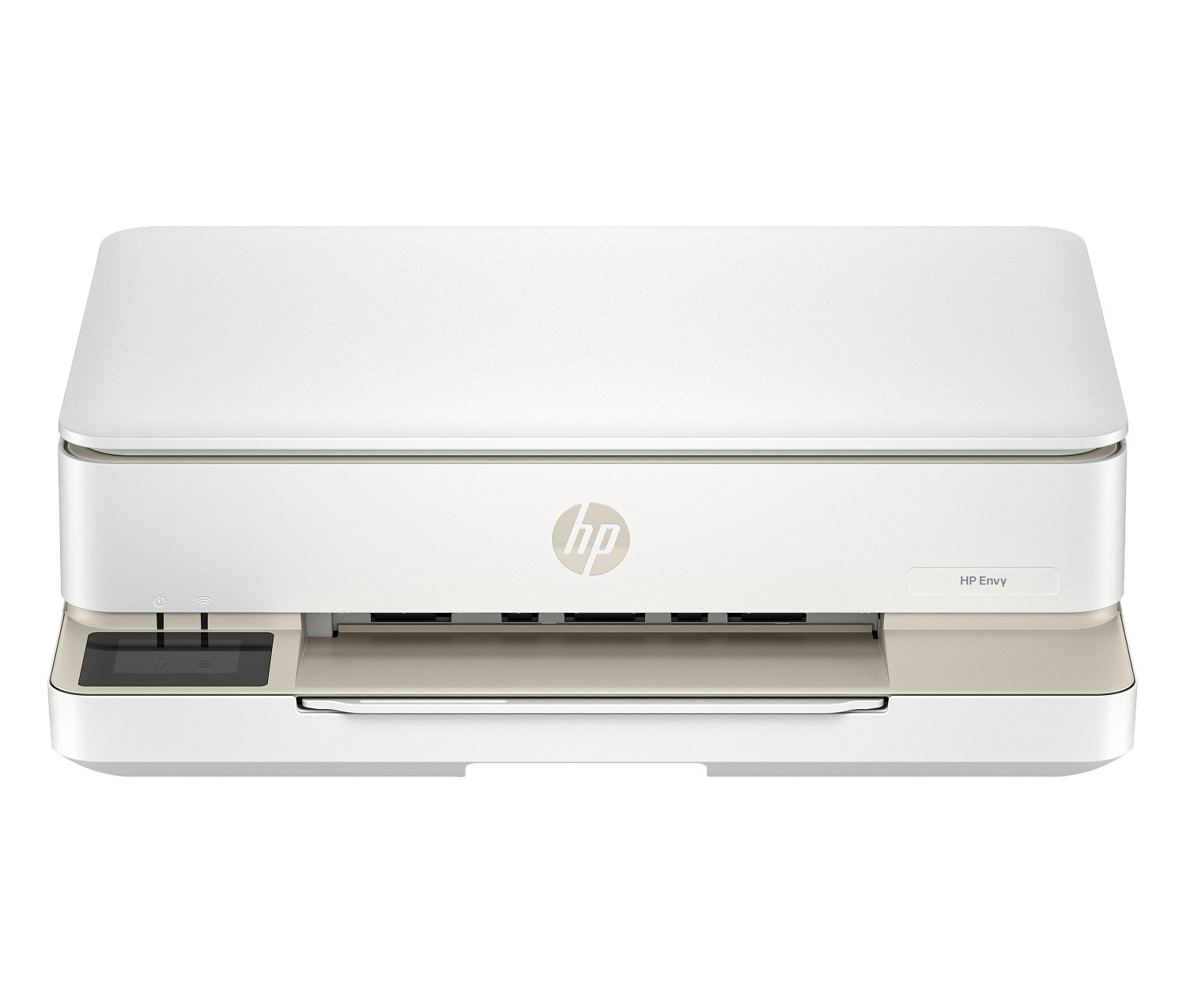
Learn about smart printing technology with ink subscriptions, extended warranty, cloud printing, and enhanced security features.
Introduction to Smart Printing Technology
Smart printing systems transform your home printer or office printer into a connected, intelligent printing solution. When you activate smart features during printer setup, you unlock premium features including free ink trial periods, extended warranty coverage, and advanced cloud printing capabilities. This comprehensive guide explores how smart printing technology is revolutionizing both inkjet and laser printers for the modern home office.
The evolution of printing technology has brought remarkable connectivity features to both inkjet printer and laser printer models. Today's smart printers connect seamlessly to your Wi-Fi network, enabling printing from anywhere in your home or even remotely via cloud services. These connected printers offer convenience and functionality that was previously available only in enterprise environments.
Understanding smart printing technology helps you maximize your investment in any multifunction printer. From automatic ink cartridges ordering to remote printing capabilities, smart features enhance every aspect of your printing experience. Whether you print documents in your home office or manage a busy office environment, smart printing technology delivers measurable productivity benefits.
What is Smart Printing?
Smart printing refers to the integration of connectivity, automation, and cloud services into modern printing devices. A smart-enabled home printer goes beyond simply putting ink on paper—it connects to your digital ecosystem, learns your usage patterns, and proactively manages supplies. This intelligence transforms printing from a manual task into an automated, seamless experience.
At its core, smart printing leverages Wi-Fi connectivity to enable features impossible with traditional printers. Your office printer becomes accessible from any connected device in your network, eliminating the need for direct cable connections. Beyond local networking, cloud connectivity allows printing from anywhere with internet access, whether you're at a coffee shop or across the globe.
Smart printers offer predictive capabilities through connected services. By monitoring ink cartridges levels and analyzing your printing patterns, these systems can anticipate when supplies will run low and automatically order replacements. This proactive approach ensures you never run out of ink mid-project, a common frustration with traditional printing setups.
The intelligence extends to print quality optimization and maintenance. Smart printers can automatically run cleaning cycles, adjust print settings for optimal results, and even diagnose problems before they affect output. These automated functions help maintain excellent print quality with minimal user intervention.
Smart Printing Benefits and Features
Smart printing technology delivers numerous benefits for home office users and small business environments. Understanding these advantages helps you appreciate the value these features add to your inkjet printer or laser printer investment.
Automatic Ink and Toner Management
One of the most valuable smart features is automatic supply management. Connected printers offer real-time monitoring of ink cartridges and ink toner levels, accessible through mobile apps and web dashboards. When supplies run low, the system automatically orders replacements, often at discounted subscription prices.
This automated approach prevents the frustration of unexpected supply depletion. Traditional printing often meant discovering empty ink cartridges in the middle of an important print job. Smart printing eliminates this scenario by ensuring fresh supplies arrive before existing ones are exhausted. For high volume printing environments, this reliability is essential for maintaining productivity.
Extended Warranty and Support
Smart-enabled printers often include extended warranty coverage when you register and activate connected features. This additional protection beyond standard warranty periods provides peace of mind for your home printer investment. Many programs include priority support access and even on-site service for qualifying issues.
Advanced Security Features
Modern smart printers offer sophisticated security features essential for protecting sensitive documents and network integrity. Enterprise-grade protection is now available in consumer and small business models, addressing the security requirements of today's connected home office environments.
These security features include encrypted connections for all print jobs, secure boot processes that validate firmware integrity, and runtime intrusion detection that monitors for malicious activity. For busy office environments handling confidential information, these protections are no longer optional—they're essential.
Secure print release features require authentication before documents are printed, preventing sensitive materials from sitting unattended in output trays. This is particularly valuable in shared printing environments where multiple people access the same office printer.
Environmental Programs
Many manufacturers offer environmental initiatives through their smart printing platforms. Programs like tree planting for pages printed help offset the environmental impact of printing, appealing to eco-conscious users. These initiatives demonstrate corporate responsibility while encouraging sustainable printing practices.
Cloud Connectivity and Remote Printing
Cloud integration is fundamental to smart printing. Your Wi-Fi-connected printer becomes accessible from anywhere with internet access, enabling true mobile productivity. Print documents from your smartphone while commuting, or send urgent files to your home printer while traveling.
Cloud printing integrates with popular storage services like Google Drive, Dropbox, and OneDrive. Access files stored in the cloud and print them directly without first downloading to a local device. This seamless integration streamlines workflows and eliminates unnecessary file transfers.
Mobile Printing Apps: Your Command Center
Mobile printing apps serve as the control center for smart printers. Available for iOS, Android, Windows, and Mac, these applications enable remote printing, mobile scanning to cloud storage, supply ordering, and comprehensive printer diagnostics. The app transforms your smartphone into a powerful printing command center.
Print from Anywhere Capabilities
Mobile apps enable printing from virtually any location with internet connectivity. Whether you're at a client meeting or working from a hotel, you can send documents to your home office or office printer. This flexibility is invaluable for remote workers and frequent travelers who need reliable printing access regardless of location.
The printing process is remarkably simple—select your document or photo, choose your connected printer, and send. The print job travels through secure cloud servers to your printer, emerging ready when you arrive. Combined with high print speeds measured in pages per minute, remote printing is both convenient and efficient.
Smart Scanning Features
Modern multifunction printer models include powerful scanning capabilities accessible through mobile apps. Scan directly to email, cloud storage services, or your mobile device with just a few taps. Advanced features include automatic document detection, edge correction, and OCR (optical character recognition) for creating searchable documents.
Scan workflows can be customized and saved as shortcuts for frequent tasks. A single tap can scan a document, convert it to searchable PDF, and save it to your preferred cloud folder. These automated workflows dramatically accelerate document digitization in your home office.
Supply Management and Ordering
Mobile apps provide real-time visibility into ink cartridges and ink toner levels. Visual indicators show remaining supply percentages, helping you anticipate replacement needs. For subscription services, the app manages your plan, tracks usage, and allows adjustments to your pages per month allocation.
One-tap ordering simplifies supply purchases. When levels run low, the app can order replacements directly from the manufacturer at competitive prices. For high volume users, bulk ordering options provide additional savings on ink cartridges and ink toner.
Printer Diagnostics and Maintenance
Troubleshooting tools built into mobile apps help resolve common issues without technical support. Guided diagnostics walk you through solutions for print quality problems, paper jams, and connectivity issues. Automatic printhead cleaning and alignment features maintain optimal output quality.
Firmware updates deliver new features and security features to your printer over Wi-Fi. The app notifies you when updates are available and guides you through the installation process. Keeping firmware current ensures your home printer operates at peak performance with the latest security protections.
Printer Shortcuts for Efficiency
Create customized shortcuts for frequently used print and scan tasks. A single tap can execute complex workflows like printing specific documents, scanning to predefined locations, or creating copies with particular settings. These shortcuts dramatically accelerate routine printing tasks.
Shortcuts can be shared across household or office members, ensuring consistent workflows. For busy office environments, standardized shortcuts help maintain document handling consistency while improving overall productivity.
Setting Up Smart Printing
Configuring smart printing features is straightforward with modern Wi-Fi-connected printers. The setup process typically takes just minutes and unlocks the full potential of your home printer or multifunction printer.
Initial Printer Configuration
Begin by downloading your printer manufacturer's mobile app. Connect your home printer to your Wi-Fi network following the app's guided setup process. The app detects your printer and walks you through network configuration step by step.
During setup, you'll create or sign into a manufacturer account. This account enables cloud services, supply management, and extended features. Take time to explore available options, as many valuable features like ink subscriptions and extended warranty require activation during initial setup.
Enabling Advanced Features
After basic Wi-Fi connectivity is established, enable smart features that match your needs. Ink subscription services, if available for your printer, can be activated and configured with your preferred pages per month plan. Extended warranty enrollment and environmental programs are also typically enabled during this phase.
Recommended Smart Printers for 2024
Featured smart-enabled printers are available for home use, home office productivity, and small business needs. All offer wireless Wi-Fi connectivity, mobile printing, and ink subscription savings. Whether you need an inkjet printer for versatile color printing or a laser printer for high volume text documents, smart options exist across all categories.
For home office users, look for multifunction printer models that combine printing, scanning, and copying with comprehensive smart features. These all-in-one devices provide maximum functionality while maintaining compact footprints suitable for home workspace environments.
Business users benefit from smart laser printer and color laser printers with advanced security features and high-capacity paper tray options. These printers handle demanding pages per month volumes while providing enterprise-grade connectivity and management capabilities.
Consider models with automatic duplex print functionality to reduce paper consumption. High print speeds measured in pages per minute ensure productivity isn't sacrificed for convenience. The best smart printers balance features, performance, and print quality to deliver exceptional value for any printing environment.