
Laser vs Inkjet Printers 2024: Complete Buying Guide
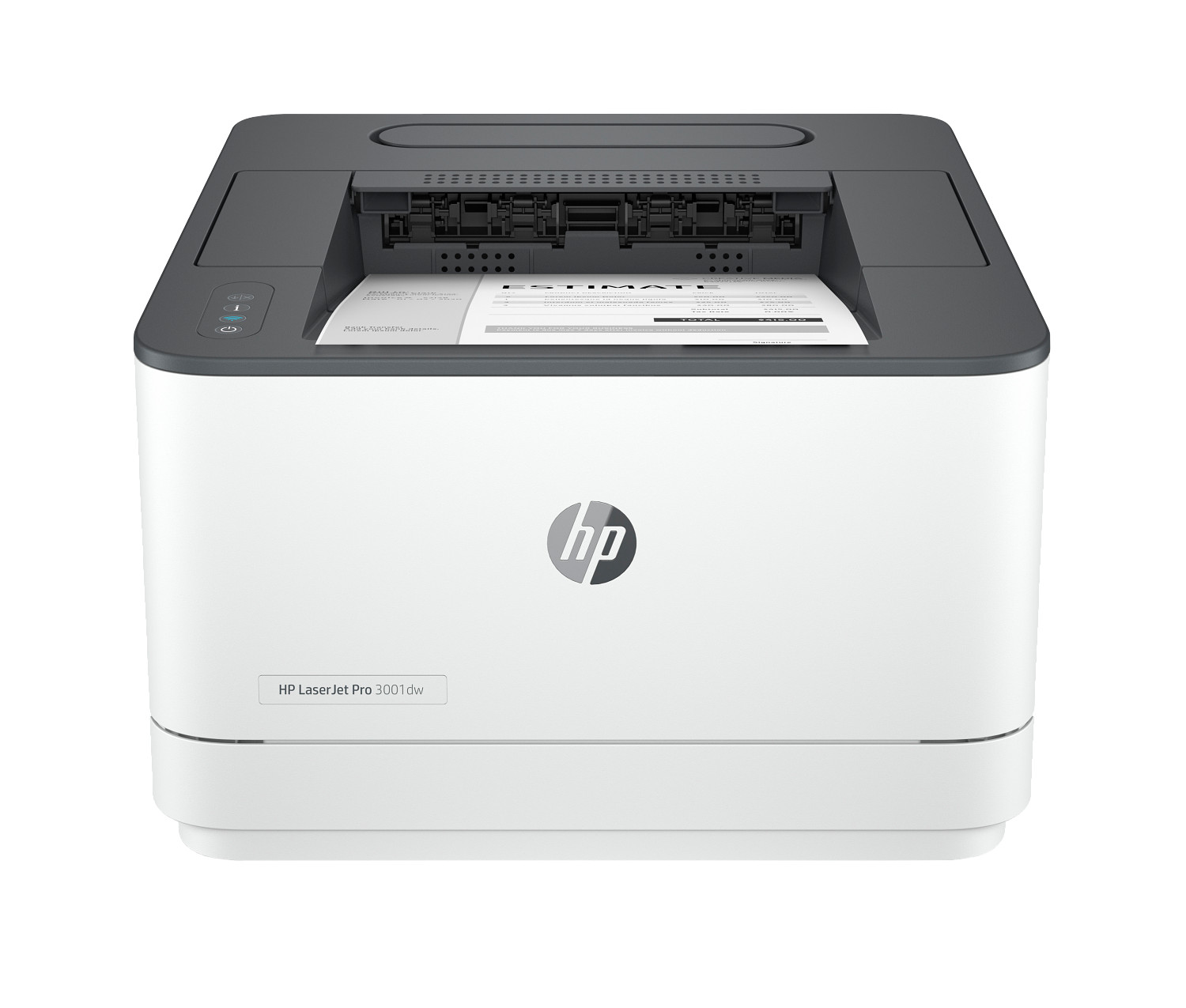
Laser vs inkjet printer comparison 2024: Understand the differences between laser and inkjet technology to choose the right printer for your needs.
Introduction: The Fundamental Printer Choice
The laser printer vs inkjet printer decision is fundamental when purchasing any printing device. Understanding the core differences between these technologies helps you invest in equipment that matches your specific needs. Whether you're setting up a home office, outfitting a busy office, or choosing a home printer for family use, this comprehensive guide illuminates the path to your ideal printer.
Both inkjet and laser printers have evolved significantly in recent years. Traditional boundaries between the technologies have blurred, with modern inkjets achieving speeds that rival lasers, and color laser printers delivering quality that approaches inkjet levels. Understanding where each technology still excels helps you match printer to purpose effectively.
This guide covers everything you need to know about inkjet and laser printers: technology fundamentals, print quality comparisons, print speeds, operating costs, and recommendations for specific use cases. By the end, you'll understand which technology best serves your printing needs.
Understanding Laser vs Inkjet Technology
The laser printer vs inkjet printer decision begins with understanding how each technology works. These fundamental differences influence everything from print quality to operating costs.
How Laser Printers Work
Laser printers use ink toner—a fine powder—and heat to create images on paper. A laser beam draws the image on a photosensitive drum, which attracts toner particles. The paper passes over the drum, collecting the toner, then through a fuser that heat-bonds the toner to the paper. This process produces fast, smudge-proof prints with crisp text.
The laser printer technology offers inherent advantages for certain applications. Because toner is powder rather than liquid, it doesn't dry out—making lasers ideal for infrequent printing. Print speeds measured in pages per minute are typically higher than inkjets, and the fused toner creates water-resistant output that won't smear if exposed to moisture.
How Inkjet Printers Work
Inkjet printers spray microscopic droplets of liquid ink through tiny nozzles onto paper. The precise placement of millions of droplets creates images with smooth color gradations and fine detail. This technology excels at color printing, photo reproduction, and graphics where smooth tonal transitions are essential.
Modern inkjet printer technology has advanced dramatically. Print heads with thousands of nozzles deliver impressive print speeds, while specialized inks provide enhanced durability and color accuracy. For home office users who need versatile output including occasional photos, inkjets remain the technology of choice.
When to Choose a Laser Printer
Laser printers are ideal for specific printing scenarios. Understanding these use cases helps you determine if laser technology matches your needs.
High-Volume Text Printing
If your printing consists primarily of text documents at high volume, a laser printer delivers optimal results. Fast print speeds measured in 25-50+ pages per minute handle large print jobs efficiently. The crisp, professional text quality satisfies business document requirements.
Business Environments
The busy office benefits from laser printer reliability and speed. Shared printers serving multiple users need the output capacity lasers provide. Security features available on business laser models protect sensitive documents in professional environments.
Infrequent Printing
Users who print sporadically benefit from laser technology. Ink toner doesn't dry out like liquid ink in ink cartridges, so your printer is always ready even after weeks of inactivity. This makes laser printer models ideal for occasional home use or backup office printers.
Lower Cost Per Page at High Volumes
For high volume printing exceeding several hundred pages per month, laser printer economics become favorable. Ink toner cartridges yield thousands of pages, spreading the cost across more output. The cost per page decreases as volume increases.
Black and White Documents
Monochrome laser printer models excel at text and document printing. If you rarely need color printing, a black-and-white laser offers excellent print quality at low operating costs. These printers are workhorses for document-heavy environments.
When to Choose an Inkjet Printer
Inkjet printers are better suited for different use cases. Understanding these scenarios helps you identify if inkjet technology matches your requirements.
Photo Printing
For photographs, inkjet printer technology delivers enhanced color accuracy and detail that laser technology cannot match. Photo-oriented inkjets use specialized inks that produce high quality prints rivaling professional lab output. If printing photos matters, choose an inkjet.
Graphics and Images
Color printing of graphics, presentations, and images benefits from inkjet's smooth color gradients. The technology excels at reproducing photographs, artwork, and designs where tonal transitions matter. Marketing materials and client-facing documents often print better on inkjets.
Lower Upfront Cost
Entry-level inkjet printer models cost less than comparable lasers, providing an affordable entry point for occasional users. For light printing needs, the lower initial investment may outweigh higher per-page costs.
Home Office Versatility
The home office typically needs versatile output—documents today, photos tomorrow, graphics next week. Inkjet printer versatility handles this variety effectively. Compact multifunction printer models combine printing, scanning, and copying in space-efficient packages.
Occasional Color Printing
Users who primarily print black text but occasionally need color find inkjets economical. You're not paying for color laser printers' premium when color is only occasionally needed. Flexible output options satisfy varied printing needs.
Print Speed Comparison
Print speeds vary significantly between technologies and models. Understanding these differences helps match printer performance to your workflow needs.
Text Document Speed
For text documents, laser printer models typically achieve faster pages per minute ratings. Business lasers commonly deliver 30-50 ppm, while consumer models achieve 20-30 ppm. Inkjet printer speeds for text range from 10-25 ppm for most consumer and home office models.
Color Printing Speed
Color printing speeds are generally slower than monochrome on both technologies. Color laser printers maintain relatively consistent speeds for color and black output. Inkjet printer color speeds depend significantly on quality settings—draft mode prints quickly while photo-quality output is much slower.
First Page Out Time
Laser printers require warm-up time from sleep mode, delaying the first page. Inkjet printers often produce the first page faster since no warm-up is required. For single-page printing, this difference can be noticeable.
Print Quality Comparison
Print quality depends on output type. Each technology excels in different areas.
Text Quality
Both technologies produce high quality text, but laser printer output is typically crisper with sharper edges. The fused toner creates clean, precise letterforms. Inkjet printer text is excellent but may show slight feathering on some papers.
Photo Quality
For photos, inkjet printer technology remains superior. Smooth color gradients, accurate skin tones, and fine detail reproduction favor inkjet for photographic output. Color laser printers have improved but cannot match dedicated photo inkjets.
Graphics Quality
Mixed documents with graphics suit either technology depending on content. Charts, graphs, and business graphics print well on both. Photographs and artistic images within documents favor inkjet output.
Operating Cost Comparison
Long-term costs depend on your printing patterns and volume.
Cost Per Page
Ink toner for laser printer models typically costs less per page than ink cartridges for inkjets, especially at high volume. However, ink subscription services and high-yield ink cartridges have improved inkjet economics significantly.
Energy Costs
Laser printers consume more power due to the heating element in the fuser. For busy office environments with continuous printing, energy costs add up. Inkjet printers use less energy, making them more economical for light use.
Recommended Printers by Use Case
For home office users, professional multifunction printer inkjets offer versatile functionality combining printing, scanning, and copying with smart features and Wi-Fi connectivity. These all-in-ones handle the varied output needs of remote work effectively.
For busy office environments prioritizing speed and volume, laser printer models deliver reliability and performance. Color laser printers serve offices needing both speed and occasional color output. Monochrome lasers offer the best economics for text-heavy printing.
Consider smart-enabled models for advanced features including automatic duplex print, mobile printing, and ink subscription savings. Both inkjet and laser printers now offer connected features that enhance productivity regardless of which technology you choose.